
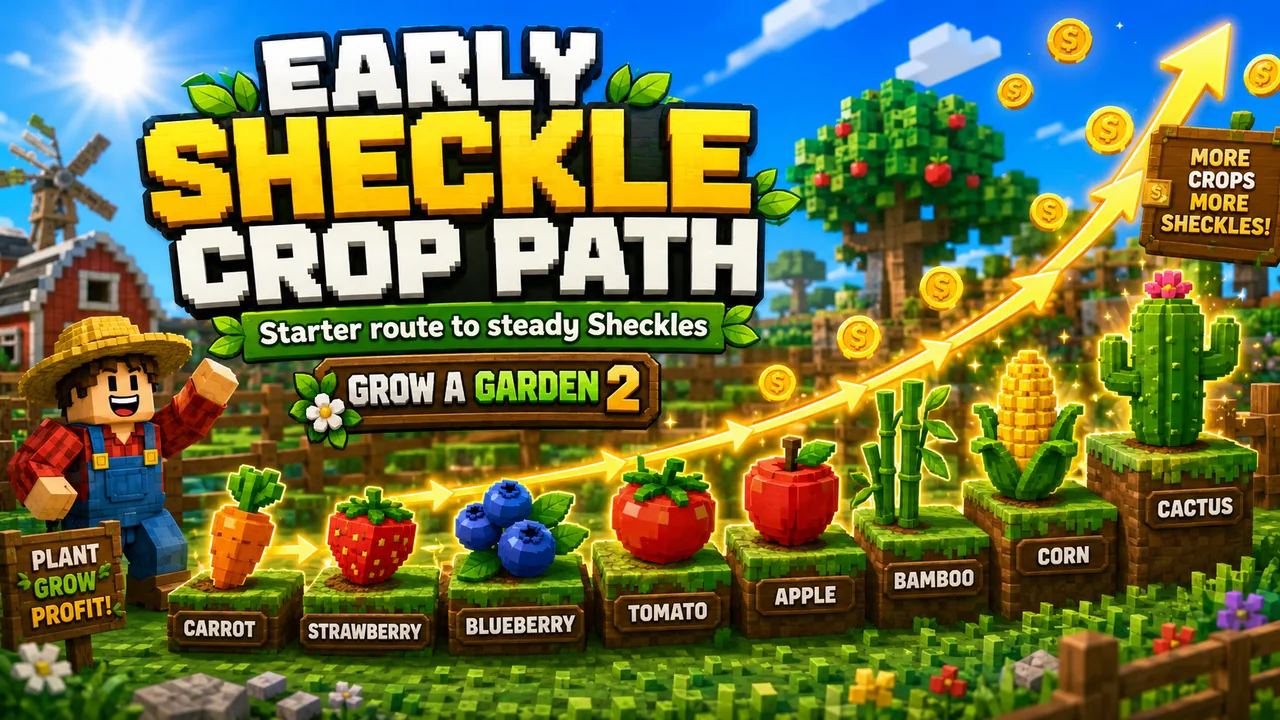
Early Sheckle Crop Path
A simple Grow A Garden 2 starter route for turning cheap crops into steady Sheckles before moving into multi-harvest and rare stock.
First Sheckle Route
Begin with affordable crops instead of waiting for one rare seed. Carrot, Strawberry, and Blueberry are useful because they let you fill plots, learn sell timing, and start reinvesting quickly.
Starter Crop Table
| Crop | Why it helps | Move on when |
|---|---|---|
 CCarrot CCarrot | Cheapest baseline for learning the loop and testing sell values. | Every plot stays planted without slowing you down. |
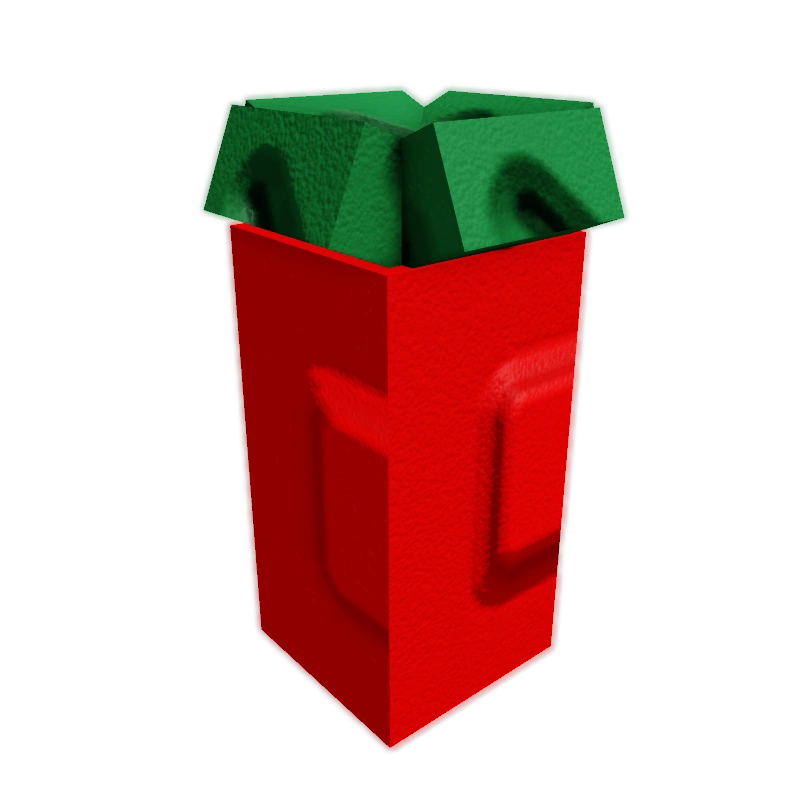 SStrawberry SStrawberry | Early multi-harvest crop that keeps producing after the first cycle. | You can afford a stronger seed route and still keep stock moving. |
 BBlueberry BBlueberry | Common crop for comparing normal weights and calculator estimates. | You have enough Sheckles to test uncommon crops. |
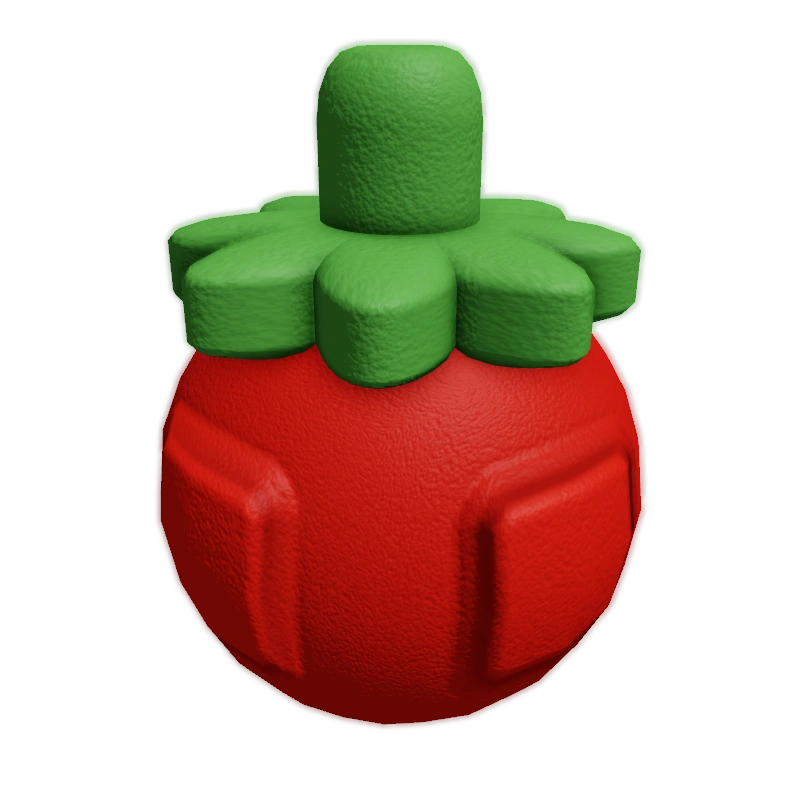 TTomato TTomato | First practical uncommon step after the starter crops. | You can buy it without emptying your whole route. |
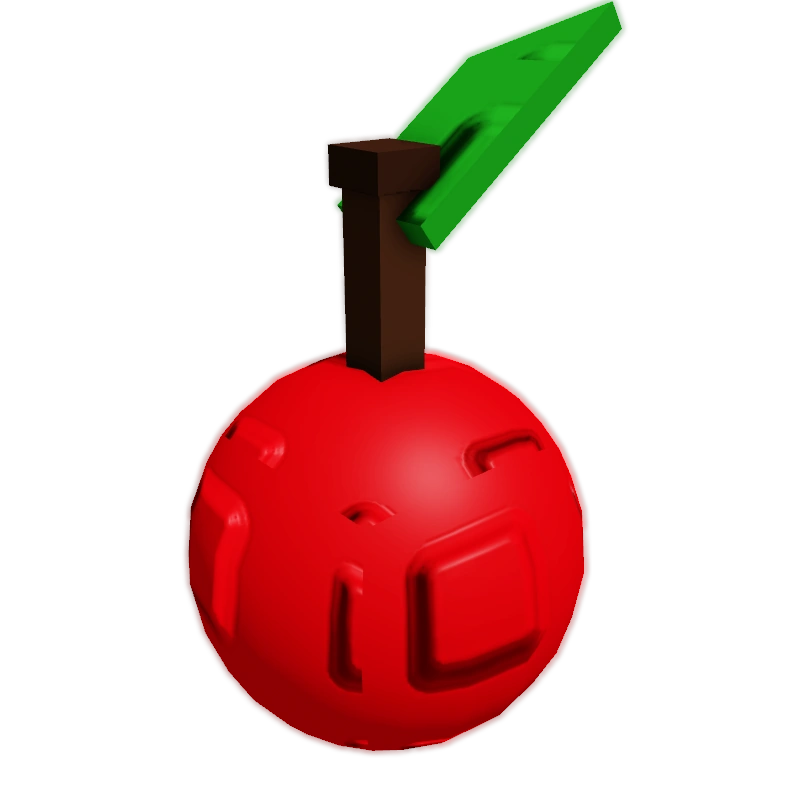 AApple AApple | Useful uncommon crop for better value checks. | Rare Seed Shop crops start appearing in reach. |
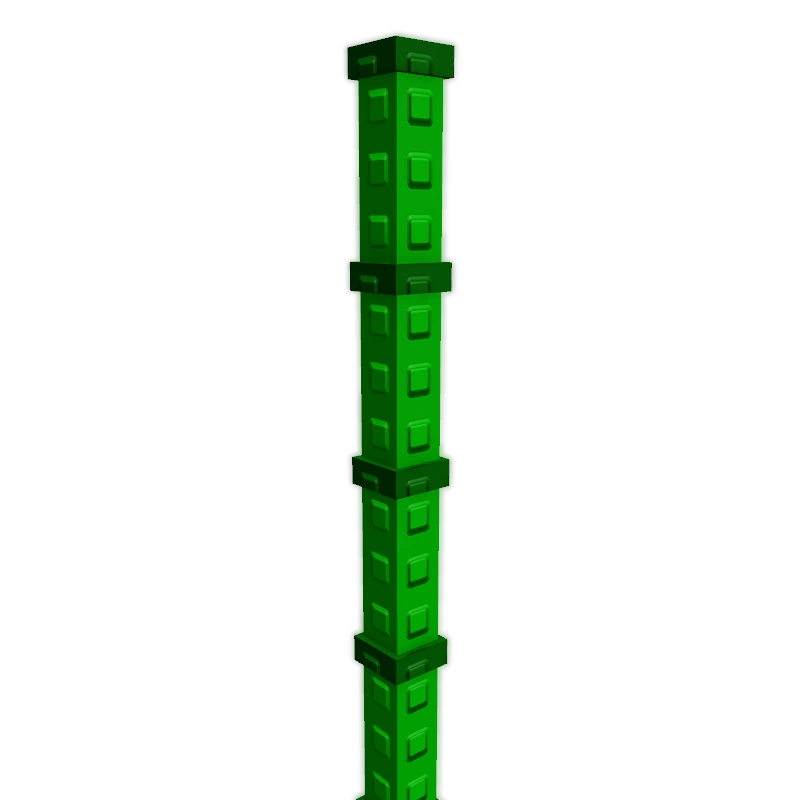 BBamboo BBamboo | Rare crop to watch when your income is stable. | You can protect and sell higher-value harvests reliably. |
 CCorn CCorn | Strong rare crop for comparison and calculator samples. | You are ready to plan around stock and boost timing. |
Upgrade Path
After the starter loop feels stable, move into Tomato, Apple, Bamboo, Corn, and Cactus when the Seed Shop rotates them in. Do not buy a rare seed just because it appears; buy it when you can plant, protect, and sell it properly.
Tracking Notes
Record crop name, weight, mutation, fruit price stock, freshness, and final sell value whenever a harvest looks unusual. Good samples improve your own decisions and help keep the calculator accurate.